Article
Bullhorn recovery: five supplier-continuity checks
Bullhorn reports all regions online, with some functions still limited. Five checks for Australian teams deciding which supplier workflows can safely resume.
Contrata editorial team ·
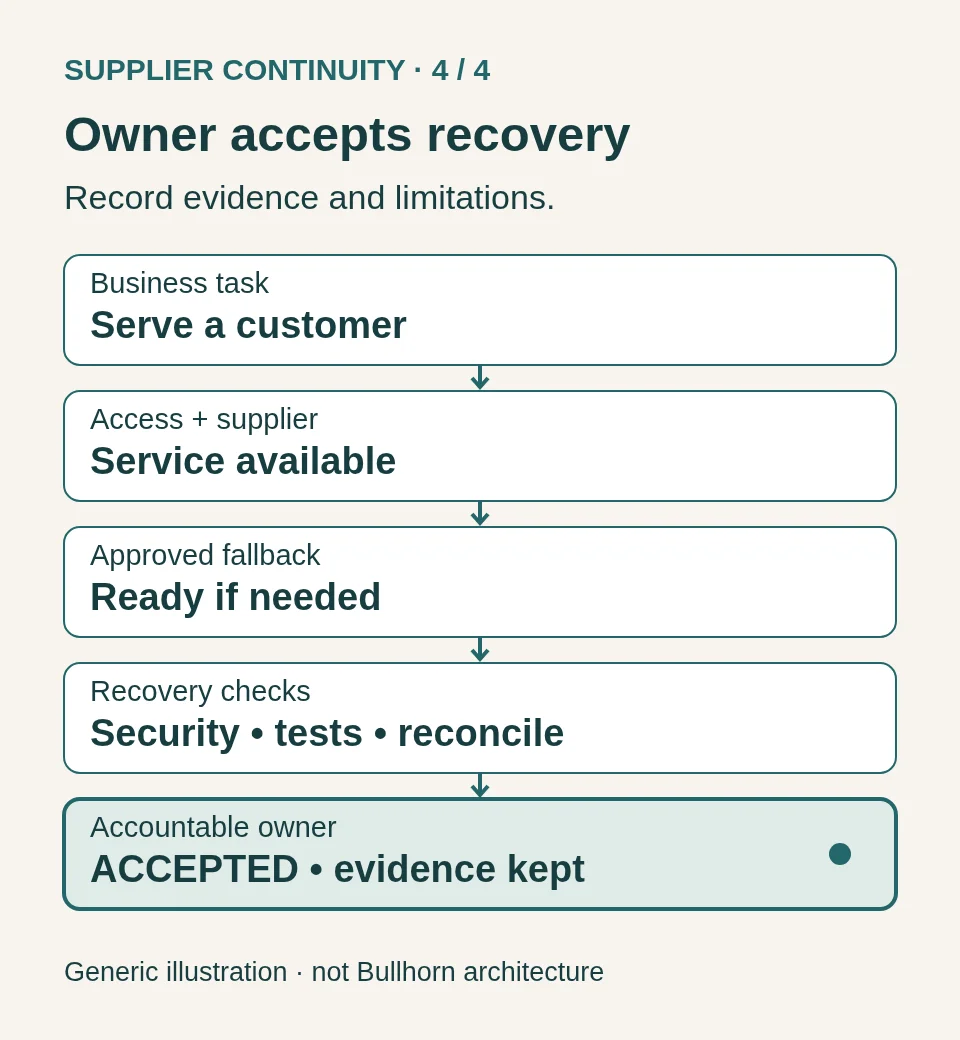
Bullhorn says all regions are online following its cyber incident, but some application connections and features remain limited. For teams relying on the supplier, the immediate decision is which business workflows can resume and which still need an approved fallback.
These five checks focus on decisions during a live incident. They also apply to other SaaS disruptions, where restored access may precede a working end-to-end service.
What Bullhorn has confirmed
Status checked: 8:49 am AEDT, 21 October 2026 (21:49 UTC, 20 October). The following is vendor-reported information, not an independent security assessment. Check Bullhorn’s live status page before acting.
In its 20 October update, posted at 17:24 EDT, Bullhorn said it was monitoring the regions now online. Single sign-on from ATS to external and Bullhorn applications had been restored in the US; work continued in other regions. Bullhorn-owned customisations were still being brought online.
Its known-limitations page, updated at 5 pm ET on 20 October, listed Canvas reporting, job publishing and legacy SOAP APIs as unavailable. User administration had partly returned, but adding new users remained unavailable. These distinctions matter when a workflow needs more than a login.
Bullhorn also warned that attackers could impersonate its staff and said it would not request passwords, MFA codes or verification tokens. Its customer FAQ, updated earlier that day, said the investigation had not yet determined whether customer data was exfiltrated. That uncertainty remains separate from service availability.
At this check, the status page still showed degraded performance across several products. Do not treat a regional restoration announcement as an all-clear for every connected workflow. The checks below make no finding about cause, ransomware or a regulatory breach.
1. Name the work that needs to continue
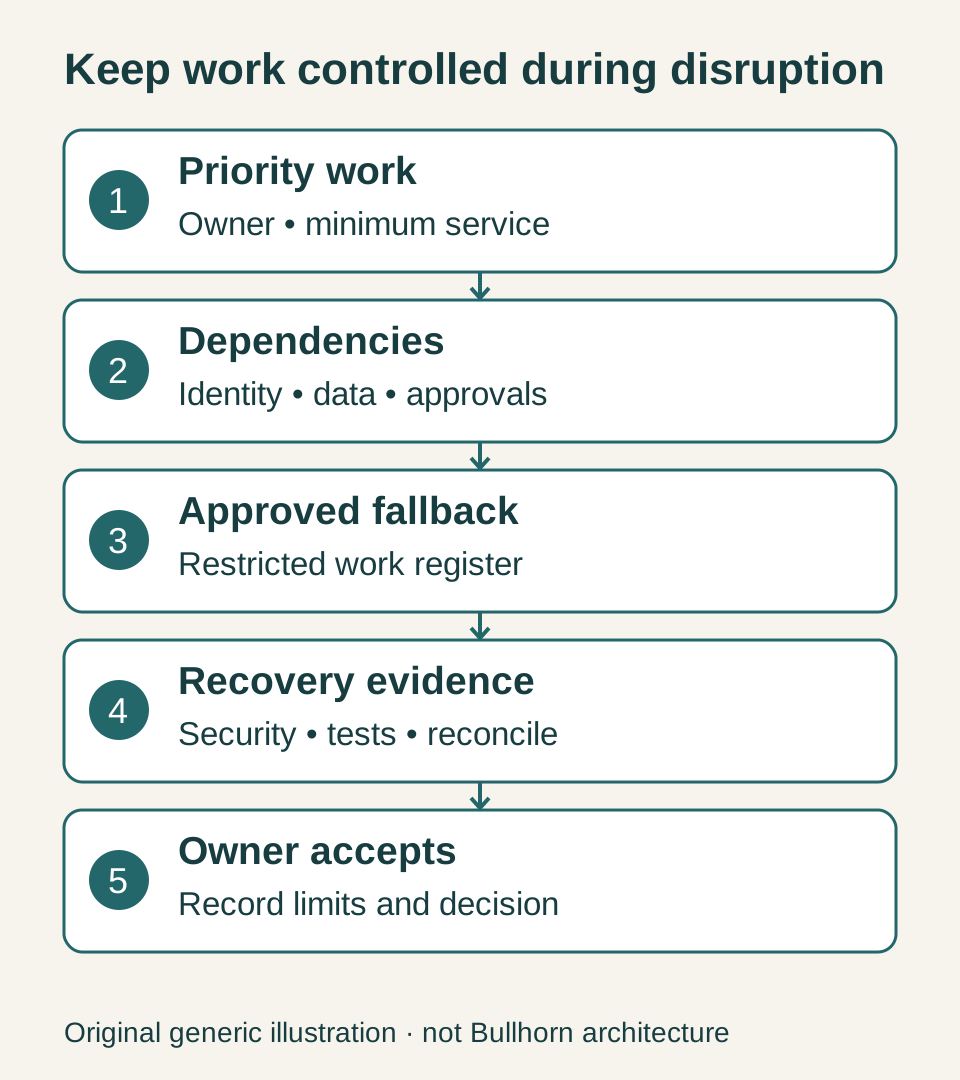
Start with a business outcome: responding to a customer enquiry, confirming a booking, processing an approved transaction or completing onboarding. Then list the systems, information and people needed to deliver it.
For each workflow, record a business owner, the point at which interruption becomes unacceptable, and a workable reduced service. A useful question is: “If this application disappears for the rest of the day, what will our team do at 10 am?”
Make the answer specific enough to rehearse. “Use the backup process” is incomplete if nobody knows where it is, who can authorise it or whether the required records are accessible.
2. Check every dependency in the workaround
A fallback can fail for the same reason as the primary service. A separate application may still depend on the same identity provider, email account, integration or data feed.
Draw a small dependency map for one important workflow. Include authentication, notifications, document storage and any approvals. Mark which components remain accessible during your chosen scenario. Check whether emergency contacts and instructions can be reached without logging into the affected supplier.
The Business Continuity Institute’s 2024 Supply Chain Resilience Report discusses deeper supplier tier mapping and visibility. That broader research supports looking beyond the supplier’s name; it does not establish anything about Bullhorn’s dependencies.

For a manual process, define the minimum information staff may use and where it may be stored. Avoid improvising with personal email or uncontrolled spreadsheets containing customer information. Have the appropriate security and privacy owners approve the fallback before an incident. Keep temporary work in a restricted register with a reference, owner, time, action and reconciliation status, using only the approved minimum data.
3. Keep a verified incident picture
Choose one place for your team to record confirmed updates. Separate the supplier’s statements, your own observations and questions that remain unanswered. Include the source, timestamp and relevant product or region. A statement about one service or region should not automatically change the status of every connected workflow.
Use established support routes and a bookmarked official status page. Independently verify unexpected requests to change access, share information or follow a new recovery procedure. Nominate an update owner and agree when the next internal review will happen, even when the supplier has no new information.
Give customer-facing staff a short, approved account of what your organisation can currently deliver. Avoid promising a recovery time you cannot substantiate or speculating about the cause and data impact of an investigation still underway.
4. Agree how recovery will be accepted
Write down the evidence your organisation needs before it resumes a workflow. That might include a successful test login, a completed end-to-end transaction, working integrations and confirmation that queued work has been reconciled.
Include your security owner’s assessment and the supplier’s verified recovery advice in the decision. Functional tests alone do not establish that trust has been restored. Capture what was tested, by whom, and any remaining limitations. For the detailed return-to-service work, use our supplier recovery and backlog reconciliation guide.
Rehearse a partial-recovery scenario: the core application is available, but reporting, authentication or a connected service remains unavailable. Record the workflow, required dependency, observed test result, temporary restriction and decision owner. Keep the fallback active for the unfinished part rather than reopening the whole process at once. Your organisation retains responsibility for accepting its own risk and recovery decisions.
5. Turn one exercise into owned improvements
ASD’s incident-response planning guidance recommends exercising response arrangements and using lessons to improve preparedness. Its Business Continuity in a Box resources support interim communications and business-critical applications; they do not replace a comprehensive continuity plan.

Run a short discussion with the workflow owner, IT, security and relevant customer-facing staff. Introduce an unavailable supplier, then a delayed recovery, then partial restoration. Record decisions and evidence gaps. Give each improvement an owner and a due date, and retest the changes. The photographs in this article are illustrative stock images.
For APRA-regulated entities, CPS 230 contains requirements concerning critical operations, disruption tolerances, business continuity and service-provider risk. Applicability and the relevant requirements should be assessed for the entity concerned. The practical checks above are recommendations, not new obligations created by this incident or a claim that CPS 230 applies to every Australian business.
Pick one important supplier this week. Ask the business owner to demonstrate how a priority workflow continues, how temporary work is controlled and how normal service is verified. Keep the evidence and fix the first gap the exercise reveals.